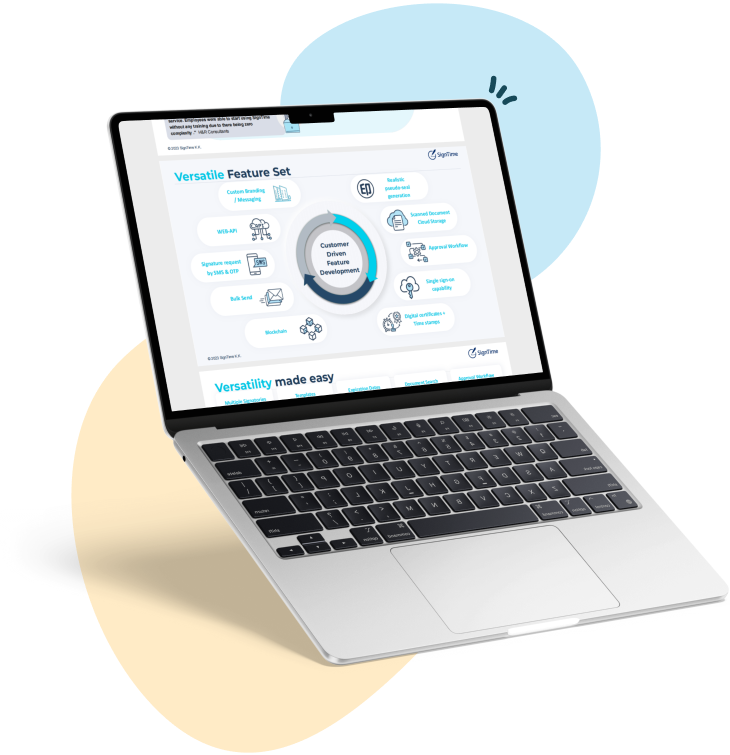
release:
How to sign a PDF on Android the easy way
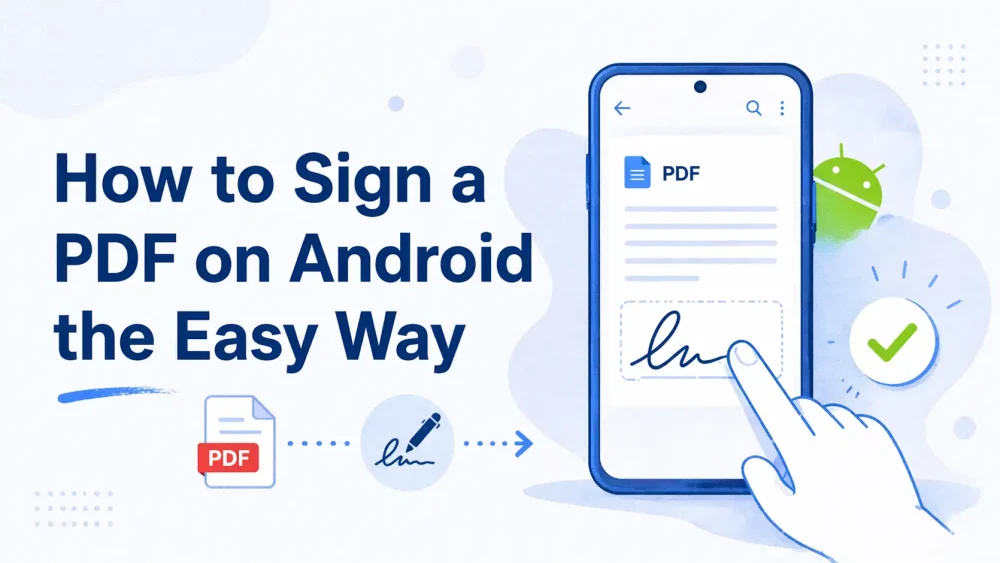
Signing PDFs on Android has never been easier. With mobile devices becoming central to business workflows, knowing how to sign PDF on Android allows you to complete contracts quickly, securely, and from anywhere. Whether you are drawing your signature, typing it, or using an app like SignTime to manage documents, mobile signing saves time, reduces errors, and keeps your agreements organized without relying on paper.
See why businesses are rushing to SignTime’s feature-packed contract repository system.
What are e-signatures?
E-signatures are digital ways to sign documents that carry the same legal weight as handwritten signatures. They remove the need for printing, scanning, or mailing contracts. Businesses use them to speed up approvals, improve security, and maintain accurate records of agreements.
There are several types of e-signatures. Some are drawn directly on a device screen, others are typed or uploaded as an image. In certain regions or industries, official seals or stamps like a hanko are used. Each type ensures that the signer’s intent is captured and verifiable.
E-signatures integrate well with mobile workflows. They allow employees, clients, and partners to sign documents anywhere, even on a phone or tablet. This flexibility helps companies close deals faster and keeps important contracts organized and accessible.
How e-signatures work on mobile devices
Mobile devices make signing PDFs fast and convenient. Whether you are using an Android phone or an iPhone, signing digitally on the go removes delays caused by printing or scanning. Mobile signing combines flexibility with security to keep contracts flowing smoothly.
Signing on Android and iPhone
On Android, users can open a PDF in a signing app or specialized software like SignTime. They can draw a signature with their finger or stylus, type a name in a chosen font, or upload an image of a signature. iPhone users have similar options, ensuring that contracts can be signed across devices without compatibility issues.
In-person versus remote signing
E-signatures work for both in-person and remote signing. In person, a signer can complete a document on the device itself. Remotely, a PDF can be sent via email or SMS for signing, and the software guides the recipient to the correct signature fields. This flexibility allows businesses to collect signatures from anywhere while keeping the process organized and compliant.
Why companies choose digital contracts
Digital contracts save time and reduce reliance on paper. They eliminate the need for printing, scanning, and mailing documents, which speeds up approvals and reduces operational costs. Companies also benefit from secure storage and easy access to signed agreements.
Mobile signing makes it simple for clients and employees to complete contracts from anywhere. This flexibility helps businesses close deals faster and respond to opportunities without delay. Secure audit trails and compliance features ensure that every contract is properly documented and verifiable.
Digital contracts also improve workflow organization. Notifications, reminders, and centralized storage reduce the chance of lost or overlooked agreements. Tools like SignTime add extra efficiency by automatically tracking contract dates, guiding signers, and managing multiple documents at once.
What are the benefits of signing contracts on your Android?
Signing contracts on Android provides businesses and clients with flexibility and convenience. Users can complete agreements anywhere, whether at the office, at home, or on the go. Mobile signing removes delays caused by printing or scanning and keeps workflows moving smoothly.
Android devices allow multiple signing options, including drawing, typing, or uploading a signature image. This versatility ensures that users can choose the method that works best for them. Clients using iPhone can also participate seamlessly, making cross-platform collaboration easy.
Mobile signing reduces bottlenecks in approval processes. Employees and clients can sign immediately when a document is ready, which speeds up deals and improves overall efficiency. It also helps businesses stay organized, with reminders, tracking, and audit trails provided by apps like SignTime.
How to send a PDF to sign on Android
Sending a PDF for signature on Android is simple with the right tools. Businesses can share contracts by email or SMS, allowing recipients to sign without printing or scanning. Using specialized software ensures the process is smooth and accurate, even for multiple signers.
Sending documents
PDFs can be sent individually or to many recipients at once. Software like SignTime simplifies mass sending, ensuring that each signer receives the correct document. Signers are directed to the specific fields for signatures, which prevents errors that can occur on smaller screens.
Templates and automation
Creating templates for frequently used documents saves time. SignTime allows businesses to reuse templates for repeated contracts, automatically positioning signature fields for each signer. Automation reduces mistakes, ensures consistency, and speeds up contract collection.
How to sign a PDF directly on your Android device
Signing a PDF directly on an Android device is fast and convenient. Users can complete documents without needing a computer, making the process ideal for on-the-go business. Mobile apps guide signers through each step to ensure accuracy and legal compliance.
Creating a signature
Users can draw their signature using a finger or stylus. They can also type their name in a chosen font or upload an image of their signature. Stored signatures can be reused to speed up future signing processes.
In-person signing
Documents can also be signed in person on the same device. SignTime guides signers to the correct fields, supports multiple signatures, and prevents skipped sections. This ensures that contracts are complete and correctly executed, whether signing on-site or remotely.
Common mistakes when signing PDFs on Android
Even with mobile signing, errors can happen if best practices are not followed. Knowing the common mistakes helps businesses and clients avoid delays or invalid documents.
Users sometimes forget to save the signed PDF, which can result in lost work or incomplete agreements. Signatures may be placed incorrectly or skipped entirely, especially on smaller screens. Some apps lack proper compliance features, which can create legal or audit issues.
Software like SignTime helps prevent these mistakes. It guides users to the correct fields, provides prompts for missing signatures, and ensures the document is finalized before submission. This reduces errors and keeps the signing process smooth and reliable.
Tips for securely managing signed PDFs on Android
Once a PDF is signed, it is important to manage it securely. Proper storage and organization prevent lost documents and ensure compliance with company or legal requirements.
Signed PDFs should be stored in secure folders or cloud storage with controlled access. Version control helps track changes and ensures the most current document is always available.
Using software like SignTime adds additional security and efficiency. Its AI features can automatically track contract dates, identify renewals, set reminders, and organize documents. This helps businesses stay on top of agreements and reduces the risk of missed deadlines or lost contracts.
Use SignTime to sign a PDF on Android
SignTime makes signing PDFs on Android simple, secure, and efficient. Businesses can send documents to one or many recipients, guide signers to the correct fields, and track signatures in real time.
Its mobile-friendly interface allows users to draw, type, or upload signatures, while in-person signing ensures flexibility for on-site workflows. SignTime also provides AI-powered reminders, auto-renewal alerts, and organized storage to keep contracts under control.
By using SignTime, companies can reduce errors, save time, and maintain compliance without complicating the signing process. Mobile signing becomes straightforward for both employees and clients, helping businesses close deals faster and keep agreements properly managed.
Download our brochure to see whether SignTime might be a fit for your organization.