release:
How to send a document to be signed the easy way

How to send a document to be signed is a common question for teams that want faster approvals without paper, scanning, or in-person meetings. The process is simple when broken into clear steps, but the tools and methods you choose matter for security, speed, and record keeping. This article explains how digital signing works, which options are secure, and how to choose an approach that fits your needs without unnecessary complexity.
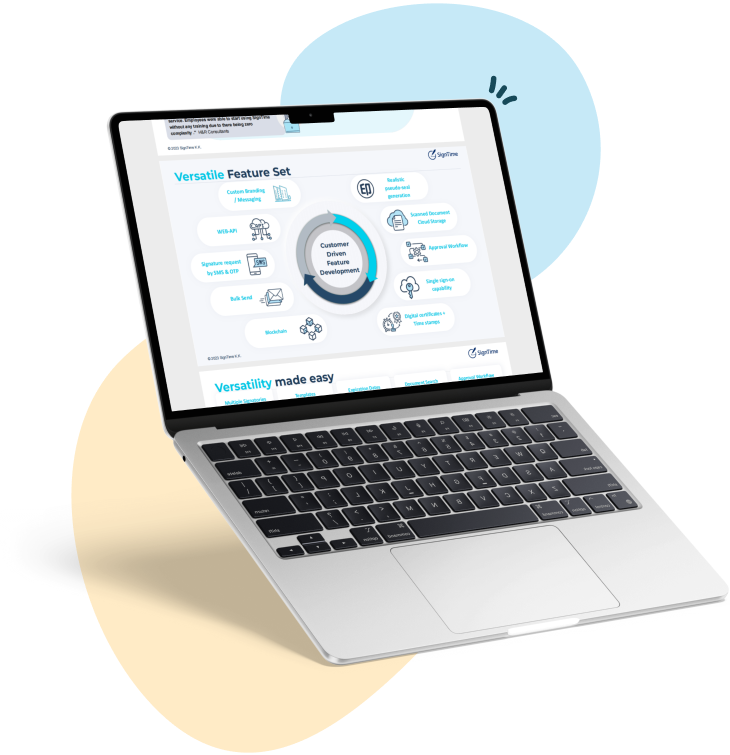
See why businesses are rushing to SignTime’s feature-packed contract repository system.
What types of documents need to be signed?
Different teams and industries require signatures for many kinds of documents. Some documents are routine and internal, while others are legal or operational and require clear proof of approval. Knowing what needs a signature helps you choose the right signing method and level of security.
Here are some common business and operational documents that might need to be signed:
- Employment agreements and contractor agreements require signatures to formalize working relationships and define responsibilities.
- Sales contracts and service agreements need signatures to confirm pricing, scope, and acceptance.
- Non-disclosure agreements are signed to protect confidential information before discussions begin.
- Procurement and vendor agreements require signatures to authorize spending and delivery terms.
- Internal approval documents are signed to confirm accountability and support audits.
Why people send documents to be signed remotely
Remote signing is now common because teams and customers are spread across different locations and schedules. Sending documents digitally reduces the need for physical meetings and makes approvals faster. It also creates a clearer record of what was agreed and when.
Digital signing helps teams keep work moving even when people are not in the same office. It removes the need to print, scan, and re-send documents, which often causes delays and version confusion. It also supports remote work and flexible schedules by allowing signers to complete documents at any time.
Remote signing also improves the experience for customers and partners. People expect fast and simple processes, and digital signing fits that expectation. The result is fewer missed deadlines, fewer follow-ups, and a smoother workflow from start to finish.
How sending a document to be signed works in practice
A digital signing workflow follows a predictable pattern, even when the tools differ. Understanding the basic steps helps you avoid common mistakes, such as sending the wrong version or missing a required signer. The core idea is to prepare the document, deliver it securely, and track completion.
The first step is preparing the document and identifying who needs to sign. This includes confirming the correct version, setting the signing order if needed, and deciding what information must be captured. The next step is placing signature fields and any other required data fields, like dates or initials.
Once the document is ready, it is sent to the signer or signers through a secure delivery method. The sender then monitors the signing status, sends reminders if needed, and receives the completed document when all signatures are collected. A good workflow also includes storing the final document in a searchable location for later reference.
Secure and insecure ways to send a document to be signed
Not all signing methods provide the same level of security or proof. Some methods are simple but risky, while others are slower but more reliable. Understanding the differences helps you choose the right option for the document’s importance and sensitivity.
Secure methods typically include identity verification, controlled access, and an audit trail that shows who signed and when. These methods also protect the document from tampering and keep the signing process traceable. They are often the best choice for contracts, HR documents, and anything that needs a clear record.
Insecure methods often rely on basic email or shared documents, which can create confusion and make it hard to prove who actually signed. These methods may also expose sensitive information or lead to multiple versions of the same document. They can work for low-risk situations, but they are not ideal when security and accountability matter.
What to look for in a digital document signing solution
Choosing a digital signing solution is not just about sending a file. It is about ensuring the process is secure, easy to use, and fits the way your team works. The right solution should reduce manual steps, improve clarity, and create a reliable record of approval.
A good signing solution should support multiple signature methods and offer options that match different preferences and requirements. It should also include identity verification and audit logs so you can confirm who signed and when. Integrations with other systems like Salesforce help reduce manual work and keep documents organized in one place.
The best solutions also support both remote and in-person signing, including iphone signing, because some industries still rely on face-to-face approval. Centralized storage and searchable contract repositories make it easier to find signed documents later. These features matter most when you need to scale signing across many teams or contracts.
Benefits of sending a document to be signed digitally
Digital signing reduces friction and improves the speed of approvals. It also creates a clearer record of who approved what and when. These benefits matter for both small teams and larger organizations because they reduce risk and help work move faster.
Digital signing is faster because documents can be sent and signed immediately, without waiting for mail or in-person meetings. It is also more convenient for signers because they can complete documents on a phone or computer from anywhere. This convenience helps reduce delays and missed deadlines.
Digital signing also improves security and organization. It provides a record of the signing process, including timestamps and verification steps. It also keeps signed documents in one place, which makes retrieval easier and reduces the chance of lost paperwork.
Use SignTime to send documents for approval
SignTime supports the full workflow of sending a document to be signed, while keeping the process simple and secure. It is designed to handle both basic signing needs and more complex approval processes, so teams can choose the approach that fits their situation. SignTime also supports multiple signature styles, including hand-drawn, typed, and hanko, which helps users match the signing method to their preference or industry requirement.
In-person signing is supported by SignTime, which is important when a face-to-face signature is required. This capability is especially useful in industries that still rely on in-person approvals or when the signer is available on site. For remote signing, the platform provides secure delivery and clear tracking, so you can see when a document is opened, signed, and completed.
SignTime’s AI features then help manage contracts after they are signed. The system can automatically extract key details such as counterparties, amounts, start dates, and end dates. It can also flag auto-renewals and prompt you to take action before a renewal happens. These tools reduce manual work and keep contract information organized and actionable.
Download our brochure to see whether SignTime might be a fit for your organization.