release:
How to sign something digitally

How to sign something digitally is now a basic skill for work, school, and everyday life. People use digital signing to complete documents faster, avoid printing, and keep records organized. This article explains what digital signing means, how it works in practice, and what options exist so you can choose an approach that fits your needs.
See why businesses are rushing to SignTime’s feature-packed contract repository system.
What are e-signatures?
E-signatures are a digital way to show agreement to a document without printing, signing by hand, and scanning. They let a signer add a signature using a phone, tablet, or computer, and the document can be finalized instantly.
E-signatures can be used for many types of agreements, such as contracts, invoices, NDAs, HR forms, and approvals. The key idea is that the signature is captured digitally and the record is stored in a way that shows who signed and when.
Electronic signatures vs digital signatures
Electronic signatures are any digital method that indicates agreement, such as typing a name, drawing a signature, or clicking “I agree.” Digital signatures are a specific type of electronic signature that uses cryptography to link the signature to the document.
Digital signatures are typically used when stronger proof is needed that the document has not been changed after signing. Electronic signatures are more common for everyday business workflows because they are simple and fast.
What types of documents can be signed digitally
Many documents are suitable for digital signing, especially those used in business operations. This includes sales contracts, purchase orders, employee onboarding forms, service agreements, and vendor paperwork.
Not every document requires the same level of verification, so the right signing method depends on the document type and the organization’s policies. Legal acceptance varies by country and use case, so it is important to follow the rules that apply to your situation.
Why do companies increasingly rely on e-signatures?
Companies use e-signatures because they speed up routine work and reduce friction in everyday processes. The shift toward remote work and digital workflows makes it easier to complete agreements without printing, scanning, or mailing. E-signatures also create a consistent record of who signed and when, which improves accountability and tracking.
Here are some reasons companies (and individuals) prefer e-signatures to wet ones:
- Faster turnaround times: E-signatures reduce waiting periods by letting people sign immediately from anywhere.
- Lower operational costs: Organizations spend less on printing, scanning, postage, and physical storage.
- Improved accuracy: Digital forms and required fields reduce missing information and manual errors.
- Better remote collaboration: Teams can complete agreements across locations without meeting in person.
- Centralized document management: Signed documents stay in a searchable repository, which makes retrieval easier.
Is signing a contract digitally secure?
Signing a contract digitally is secure when the platform uses proven security measures and maintains a clear audit trail. The key is not only the signature itself, but also how the system verifies identity, protects the document, and records what happened during the signing process.
Security is also tied to trust. A secure system should make it easy to confirm who signed, when they signed, and whether the document has been changed after signing. This helps organizations reduce risk and support compliance with internal policies.
How security works in digital signing
Digital signing platforms typically protect documents using encryption, access controls, and logging. Encryption helps keep the document safe while it is stored and while it is transmitted. Access controls limit who can view, edit, or sign the document.
Audit trails record each step in the signing process, including when the document was sent, when it was opened, and when each signer completed their action. These records are important for tracking and internal review.
Here are the common security features users should expect in an e-signature platform:
- Tamper evidence: The system should show if a document has been altered after signing.
- Time stamps: The platform should record the exact date and time of each signing action.
- Signer authentication: Platforms often use email verification, SMS codes, or login credentials to confirm identity.
- Permission controls: The system should allow administrators to set who can access or modify documents.
- Audit logs: The platform should keep a record of each step in the signing process for review.
What are the different ways to sign something digitally?
There are multiple ways to sign something digitally, and the best option depends on the situation and the signer’s preferences. Some methods are simple and fast, while others add stronger verification. A strong digital signing platform supports several options so users can choose what fits the document and the context.
Drawing a signature digitally
Drawing a signature means the signer writes their signature using a finger, stylus, or mouse. This method is common on touchscreens and tablets, and it feels closest to signing on paper. It is often used when the signer wants a natural, handwritten look.
Typing a signature
Typing a signature creates a signature style from the signer’s typed name. The platform converts the typed text into a signature-like font. This method is fast and works well when the signer is on a computer or when speed is the priority.
Using image-based or stored signatures
Some platforms allow the signer to upload a scanned image of their signature or to save a signature for reuse. This is convenient for people who want consistency across documents. It also helps teams that process many documents with the same signer.
Signing on different devices
Signing digitally can happen on a computer, tablet, or iphone. A good signing workflow works smoothly across devices and keeps the document formatting intact. This flexibility is important because many people review and sign documents on the go.
Signing documents in person using digital tools
In-person signing lets a signer complete a digital signature while physically present, using a tablet or shared device. This is useful for sales teams, retail checkouts, and on-site service agreements. In-person signing is rare among providers, but it is valuable when face-to-face interaction is required or preferred.
What to look for in a digital signing solution
Choosing the right digital signing solution depends on how you work and what you need the system to do. A good platform should not only support signing, but also help you manage and track documents in a consistent way. This section highlights the features that matter most for real-world business use.
Ease of use
A solution should be simple to set up and easy for anyone to use. Users should be able to upload a document, add signature fields, and send it by text message without training. If the platform is too complex, teams may avoid using it or make mistakes.
Flexibility in signing methods
The best systems support multiple signature styles, such as drawing, typing, and uploaded signatures. They should also allow users to choose the method that fits the document type and signer preference. This flexibility makes it easier to handle different industries and workflows.
Document and contract management features
A digital signing tool is more useful when it also acts as a repository for signed documents. Look for searchable storage, organized folders, and easy retrieval. Contract management features also include tracking status, version control, and access permissions.
Automation and intelligence
Automation helps reduce manual work and prevent missed deadlines. A strong system can identify key contract data, such as parties, dates, and amounts, and then create reminders or alerts. AI tools can also flag auto-renewals and prompt users to take action before a renewal happens.
SignTime is how to sign something digitally the easy way
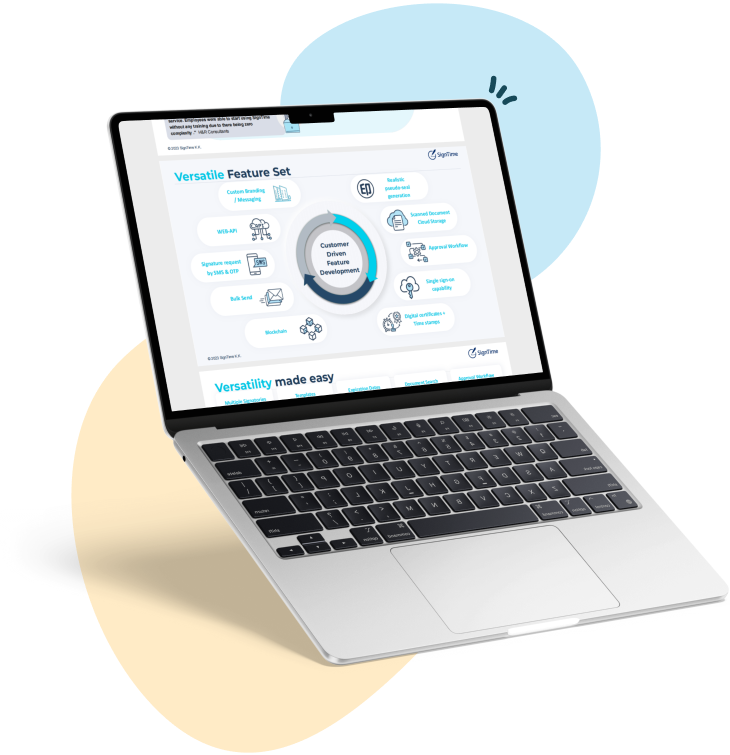
SignTime supports multiple signing methods, including drawn, typed, and uploaded signatures, so teams can choose what works best for each document. It also supports in-person signing, which is helpful for industries that still rely on face-to-face agreement. This flexibility makes it easier to adopt digital signing across different teams and use cases.
SignTime also provides contract management tools that keep signed documents organized and searchable. Its AI features help identify key contract details, set reminders, and flag auto-renewals, which reduces the risk of missed deadlines. For teams that need a simple, reliable digital signing workflow with built-in contract management, SignTime provides a strong option.
Download our brochure to see whether SignTime might be a fit for your organization.