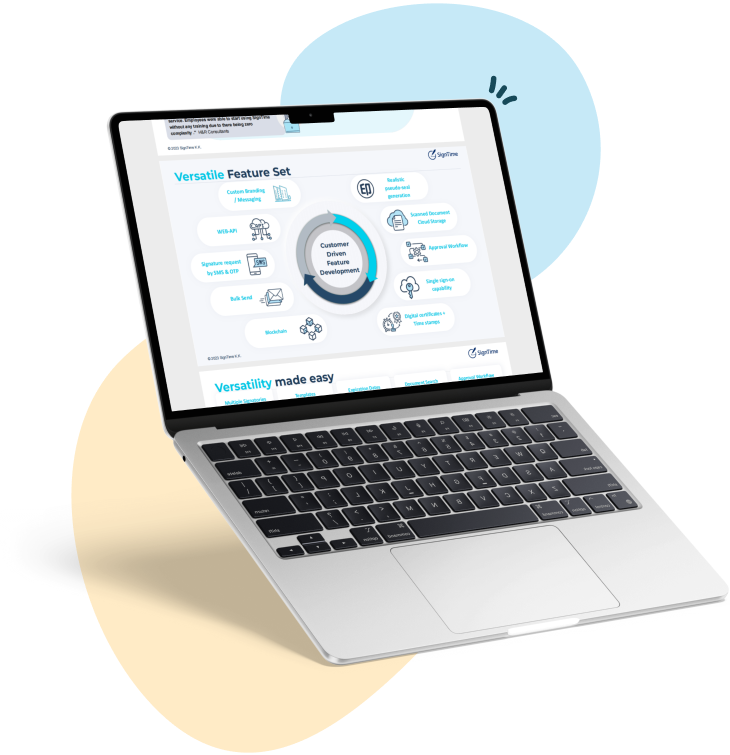
release:
15 best small business document management software
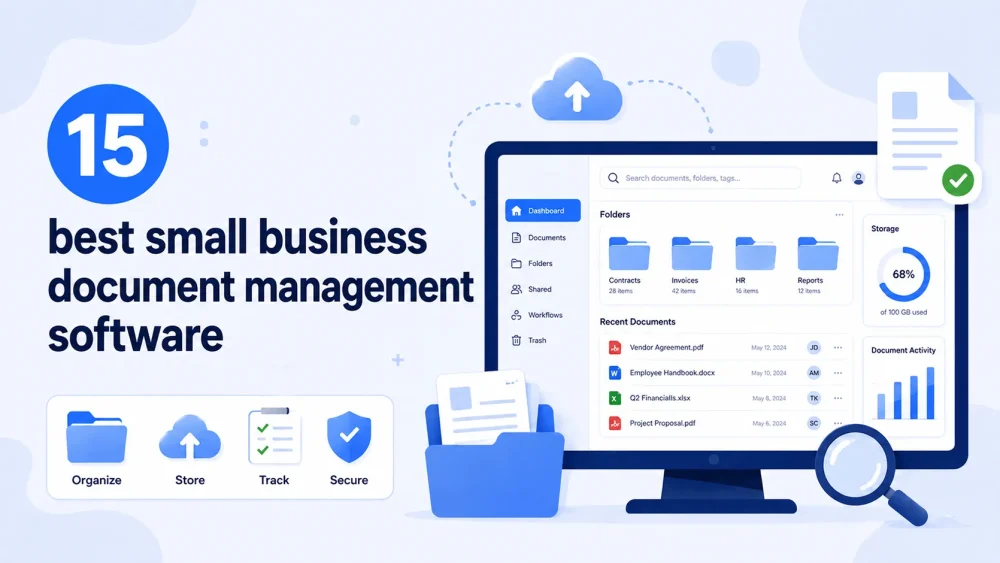
Small business document management software helps teams store, organize, and access critical business files in one place, reducing clutter from scattered tools and manual workflows. For growing companies, these systems support everything from contracts and invoices to internal documentation and approvals. This guide explores the 15 best small business document management software options, what they do well, and how they fit different operational needs.
See why businesses are rushing to SignTime’s feature-packed contract repository system.
What is small business document management software
Small business document management software refers to systems that help companies store, organize, track, and retrieve digital documents in a structured and secure way. These tools replace fragmented storage methods like email threads, local folders, and disconnected cloud drives. The goal is to make business documents easier to find, easier to manage, and harder to lose.
In practice, these systems often combine storage, collaboration, and workflow features. Some focus on simple file access, while others extend into approvals, audit trails, and contract workflows. The range is wide, but the core purpose stays consistent: improve control over business information.
Small businesses use these tools to reduce operational friction. They also help maintain consistency when multiple people work on the same documents.
Why small businesses rely on document management systems
Small businesses generate a constant flow of documents, including contracts, invoices, proposals, and internal records. Without a structured system, these files quickly become difficult to track and manage consistently. This creates delays, confusion, and unnecessary rework.
Document management systems solve this by centralizing files in one place and making them searchable and accessible to the right people. They also reduce reliance on manual sharing methods like email attachments, which often lead to version control issues.
Another key reason small businesses rely on these systems is collaboration. When teams work from the same source of truth, errors decrease and decision-making becomes faster.
Finally, these systems support growth. As document volume increases, structured organization becomes essential for maintaining efficiency and operational clarity.
Types of document management tools used by small businesses
Small businesses rarely rely on a single document system. Instead, they use a combination of tools that each handle different parts of the document lifecycle. These tools work together to cover storage, collaboration, financial records, and structured workflows.
Understanding the main categories helps clarify why different platforms appear in the same space. It also makes it easier to evaluate which tools solve specific business needs rather than trying to replace everything with one system.
Cloud storage and file sharing tools
Cloud storage tools focus on centralized file access and basic collaboration. They are often the foundation of a small business document system.
- These tools allow teams to store documents in a shared, secure environment.
- They support real-time access across multiple devices and locations.
- They typically include version history so changes can be tracked over time.
- They provide permission controls to manage who can view or edit files.
- They are commonly used for general business documents rather than specialized workflows.
Collaboration and workspace tools
Collaboration tools go beyond storage by combining documents with communication and project work.
- These platforms allow teams to co-edit documents and share updates in real time.
- They often include messaging or commenting features tied directly to files.
- They help organize internal knowledge, processes, and project documentation.
- They are frequently used as flexible workspaces rather than strict file systems.
- They are best suited for teams that want lightweight structure with high adaptability.
Financial document management tools
Financial tools focus specifically on accounting-related documents and records.
- These systems manage invoices, receipts, and expense documentation.
- They often integrate directly with bookkeeping and accounting workflows.
- They help maintain compliance by organizing financial records in one place.
- They reduce manual entry by linking documents to transactions automatically.
- They are essential for small businesses that need structured financial tracking.
Contract and agreement management tools
Contract-focused systems manage agreements, approvals, and signing workflows.
- These tools handle the creation, sending, and storage of contracts.
- They support structured approval processes across teams or stakeholders.
- They maintain audit trails for changes and signing activity.
- They often include multiple signature methods such as typed or drawn inputs.
- They are used when businesses need controlled, trackable document workflows.
Knowledge and documentation tools
Knowledge tools are designed for storing internal information rather than transactional documents.
- These platforms are used to document processes, policies, and team knowledge.
- They allow structured organization of information across pages and databases.
- They support collaboration through shared editing and comments.
- They help reduce knowledge loss when teams grow or change.
- They are most useful for operational clarity and onboarding documentation.
15 best small business document management software
Small business document management software spans a wide range of tools, from simple cloud storage platforms to structured contract systems and finance-focused document tools. The most effective solutions are not always the most complex. Instead, they balance usability, integration, and control over business-critical documents like contracts, invoices, and internal records.
This section lists 15 widely used tools that consistently appear in small business document workflows. Each one plays a specific role in helping teams manage documents more efficiently, depending on their size, structure, and operational needs.
SignTime
SignTime is a contract-focused document management platform that combines e-signature capabilities with structured contract storage and workflow management. It allows businesses to create, send, sign, and track agreements in one centralized system.
It supports multiple signature methods, including typed, hand-drawn, and stamped options, along with in-person signing for workflows that require physical presence. AI features help extract key contract data such as parties, dates, and renewal terms, and can trigger reminders for upcoming actions.
It is often used by teams that need more than storage, but do not want a heavy enterprise contract system. At the same time, it may not replace broader file storage or full accounting systems, so it is typically used alongside other tools rather than as a complete replacement.
Google Drive
Google Drive is a cloud-based storage and collaboration platform used for storing and sharing business documents. It allows teams to work on files in real time and maintain shared folders across departments.
It is commonly used as a foundational storage layer for small businesses due to its simplicity and accessibility. However, it is not designed for structured contract workflows or advanced document lifecycle management.
Microsoft OneDrive
Microsoft OneDrive provides cloud storage tightly integrated with Microsoft 365 applications. It is widely used by businesses already working in the Microsoft ecosystem.
It supports file syncing, sharing, and collaboration across Word, Excel, and PowerPoint documents. It is effective for general document storage but less specialized for contract or workflow-heavy use cases.
Dropbox Business
Dropbox Business focuses on secure file storage and sharing with strong syncing capabilities across devices. It is often used by teams that need reliable access to shared documents without complex setup.
It includes version history and permission controls, making it useful for collaborative file management. It does not provide deep workflow automation or document structuring features.
Zoho WorkDrive
Zoho WorkDrive is a team-focused file management system designed for structured collaboration. It integrates well with other Zoho business tools such as CRM and accounting software.
It supports shared team folders, file permissions, and internal collaboration workflows. It is most effective for businesses already operating within the Zoho ecosystem.
Box
Box is a cloud content management platform designed for secure file storage and enterprise-grade collaboration. It is often used in environments where governance and access control are important.
It supports workflow automation and integrates with a wide range of third-party tools. It is stronger in controlled environments than in lightweight small business setups.
Notion
Notion is a flexible workspace tool that combines document creation, databases, and internal knowledge management. Small businesses often use it to centralize processes, notes, and lightweight documentation.
It is highly customizable, which makes it useful for internal organization. However, it is not designed as a dedicated document management or contract system.
Evernote
Evernote is a note-taking and document organization tool used for capturing and storing business information. It helps teams store meeting notes, ideas, and reference materials in a searchable format.
It works best for lightweight documentation rather than structured business workflows or formal document systems.
Airtable
Airtable combines spreadsheet functionality with database-style organization for structured data management. Small businesses use it to track documents, projects, and operational records in a flexible way.
It supports automation and multiple views of the same data. It is more of a structured data tool than a traditional document management system.
QuickBooks Online
QuickBooks Online is an accounting platform that also manages financial documents such as invoices, receipts, and expense records. It centralizes financial documentation for small businesses.
It is primarily used for bookkeeping and financial reporting rather than general document management. It works best when paired with broader file storage tools.
Xero
Xero is a cloud-based accounting platform that handles invoices, expenses, and financial reporting. It organizes financial documents within accounting workflows.
It is widely used by small businesses for financial administration. It does not function as a general-purpose document management system.
M-Files
M-Files is an information management system that organizes documents using metadata instead of traditional folder structures. This allows faster retrieval and more structured document classification.
It is useful for businesses that need stronger governance and search capabilities. It can be more complex than typical small business tools.
Adobe Acrobat
Adobe Acrobat is widely used for creating, editing, and managing PDF documents. It also supports digital signing and document sharing.
It is commonly used for finalized documents rather than ongoing workflows. It is effective for document preparation and review stages.
Slack
Slack is a communication platform that also supports document sharing within team conversations. It helps teams collaborate around files in real time.
It is not a document storage system, but it plays a role in how documents are shared and discussed in daily workflows.
Confluence
Confluence is a documentation and knowledge management platform used for internal wikis and structured business information. It helps teams document processes, policies, and operational knowledge.
It is best suited for structured internal documentation rather than transactional business documents.
iCloud Drive
iCloud Drive is a simple cloud storage system for Apple users. It allows file syncing and storage across devices.
It is suitable for lightweight document storage needs but does not provide advanced collaboration or workflow features.
SignTime is the best small business document management software
Small business document management software is no longer just about storing files. It now covers workflows, collaboration, compliance, and contract execution across increasingly distributed teams. The tools in this space vary widely, from simple cloud storage systems to specialized platforms that manage financial records or internal knowledge.
Within this landscape, SignTime occupies a focused position. It is built around contract creation, signing, and structured agreement management, with AI features that help identify key contract data such as parties, dates, and renewal terms. This makes it particularly useful for businesses that rely heavily on formal agreements as part of daily operations.
At the same time, SignTime is not designed to replace every type of document system. Many small businesses still benefit from pairing it with general storage or accounting tools, depending on their workflow needs. In that sense, it fits into a broader ecosystem rather than standing alone as a universal solution.
For teams that want clearer control over contracts and agreement workflows, SignTime provides a focused and practical layer within the wider category of small business document management software.
Download our brochure to see whether SignTime might be a fit for your organization.